
AquaCare for home pools
Your pool,in your pocket.
Download the AquaCare app to monitor your home pool's water quality in real time, track every reading and always know what your water needs.


01
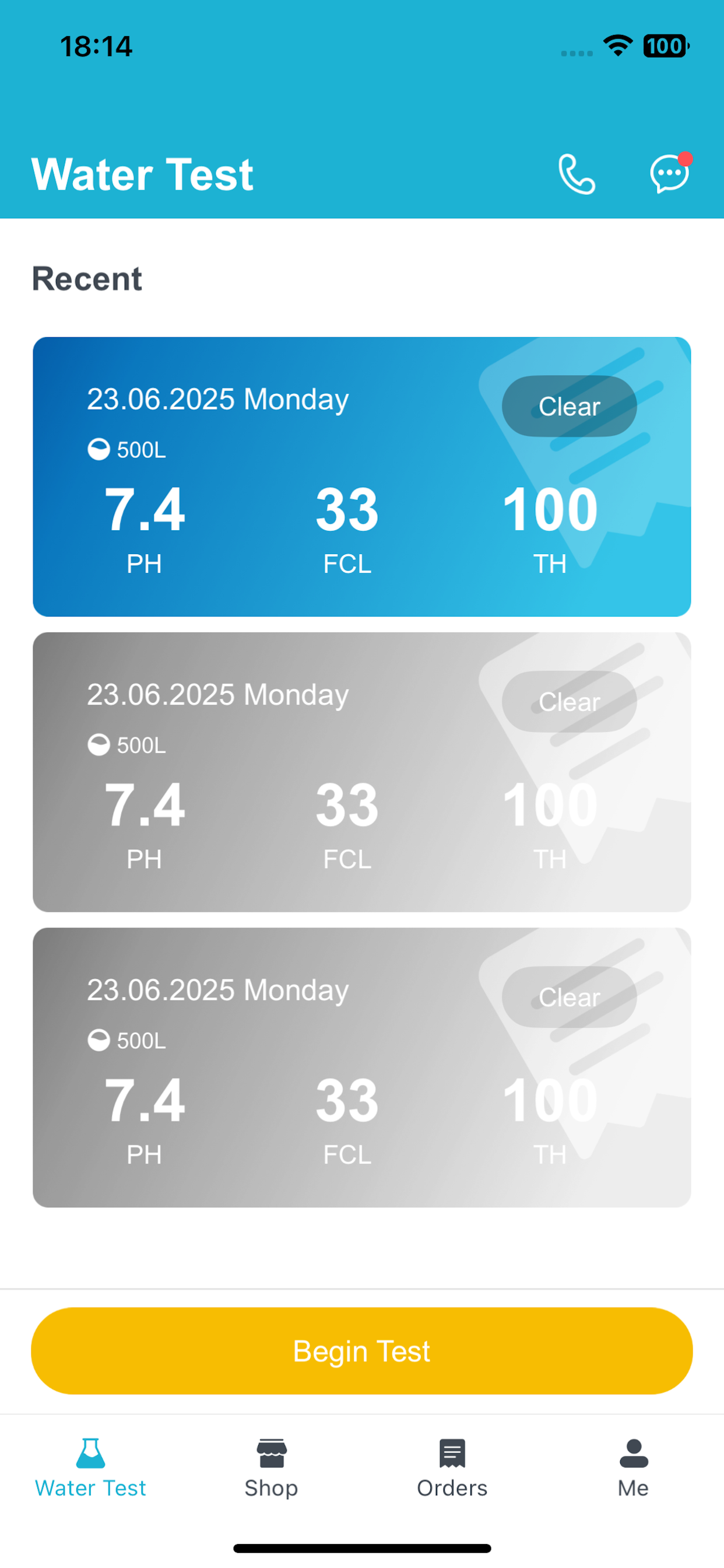
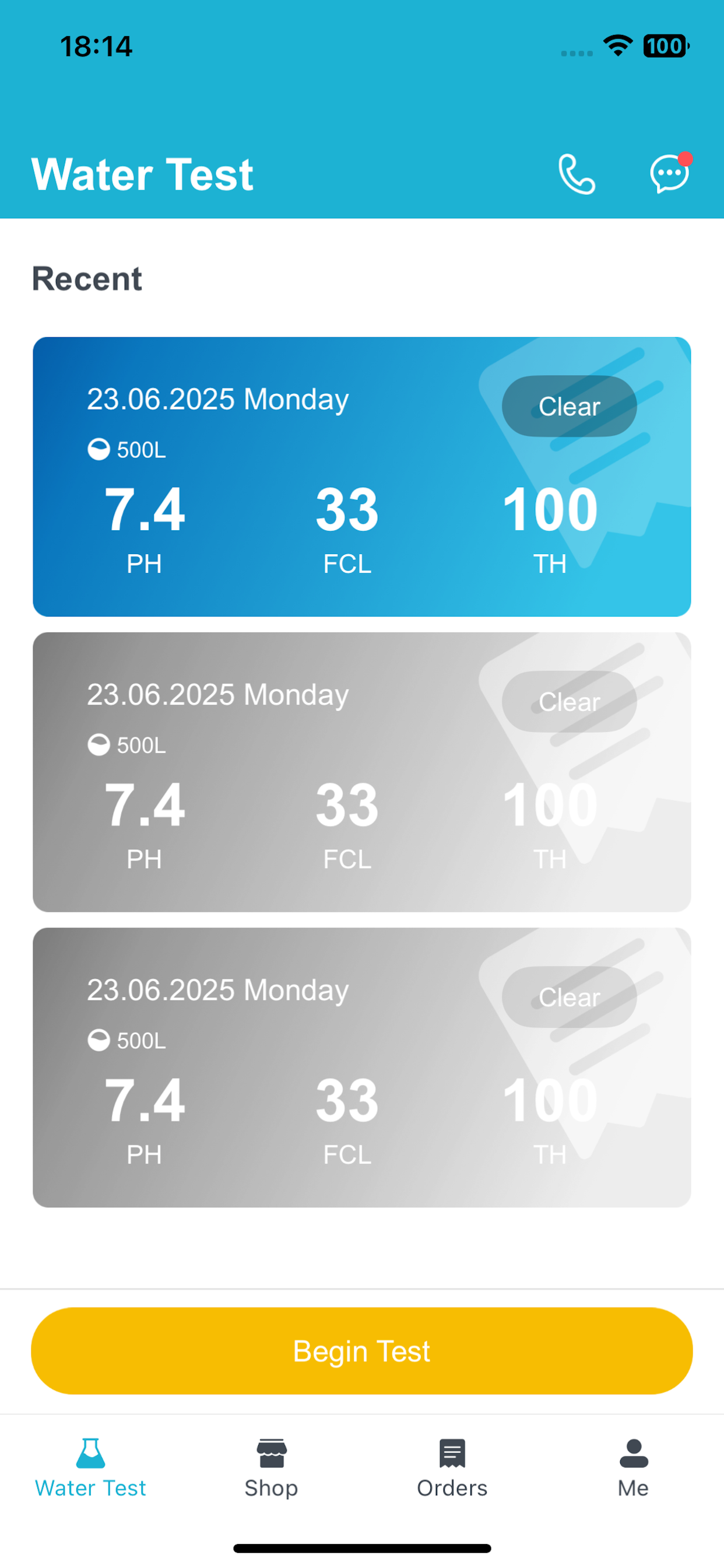
Measurement history
Track every water test over time.
Keep recent readings together in one clear timeline. AquaCare makes it easy to follow changes in pH, chlorine and hardness without relying on paper notes.
- Review your latest and previous test records
- See essential readings at a glance
- Build a dependable history for your home pool
02
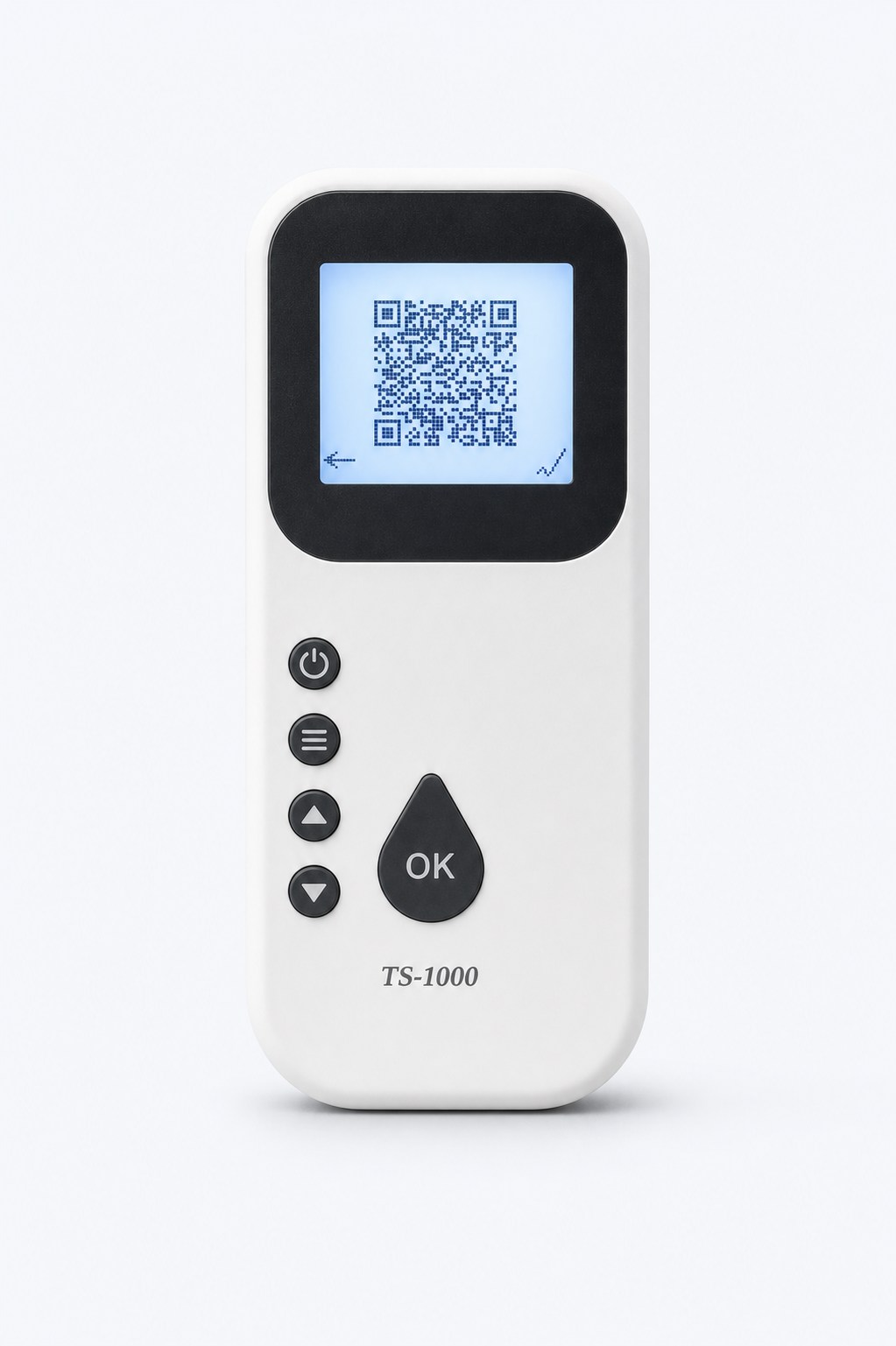
Scan and capture
Scan once. Bring every result into the app.
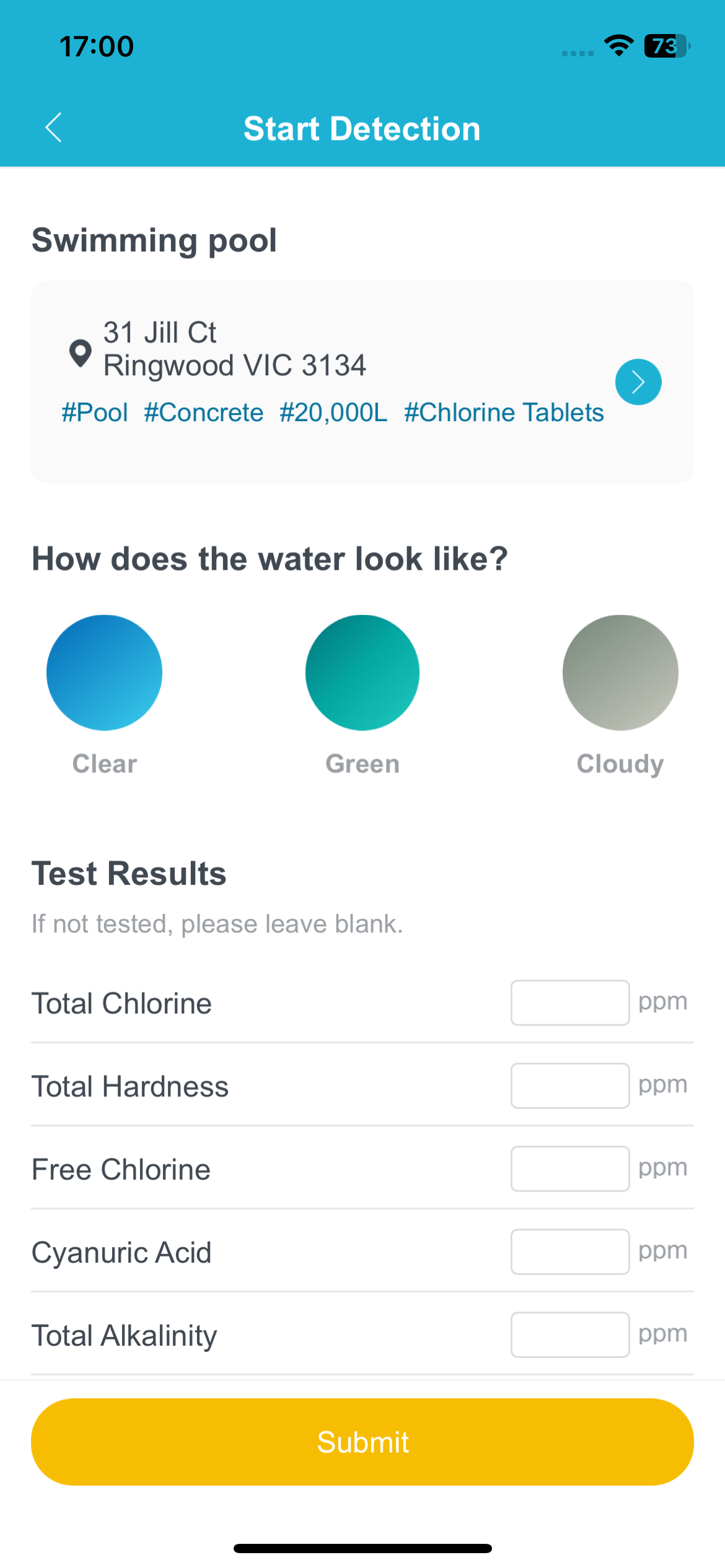
After measuring the water, scan the result to bring the readings into AquaCare automatically. Your pool details and water condition stay connected to the right test.
- Reduce repetitive manual entry
- Capture multiple water indicators together
- Save each result against your pool profile
03
Clear water analysis
Know what the results mean—and what to do next.
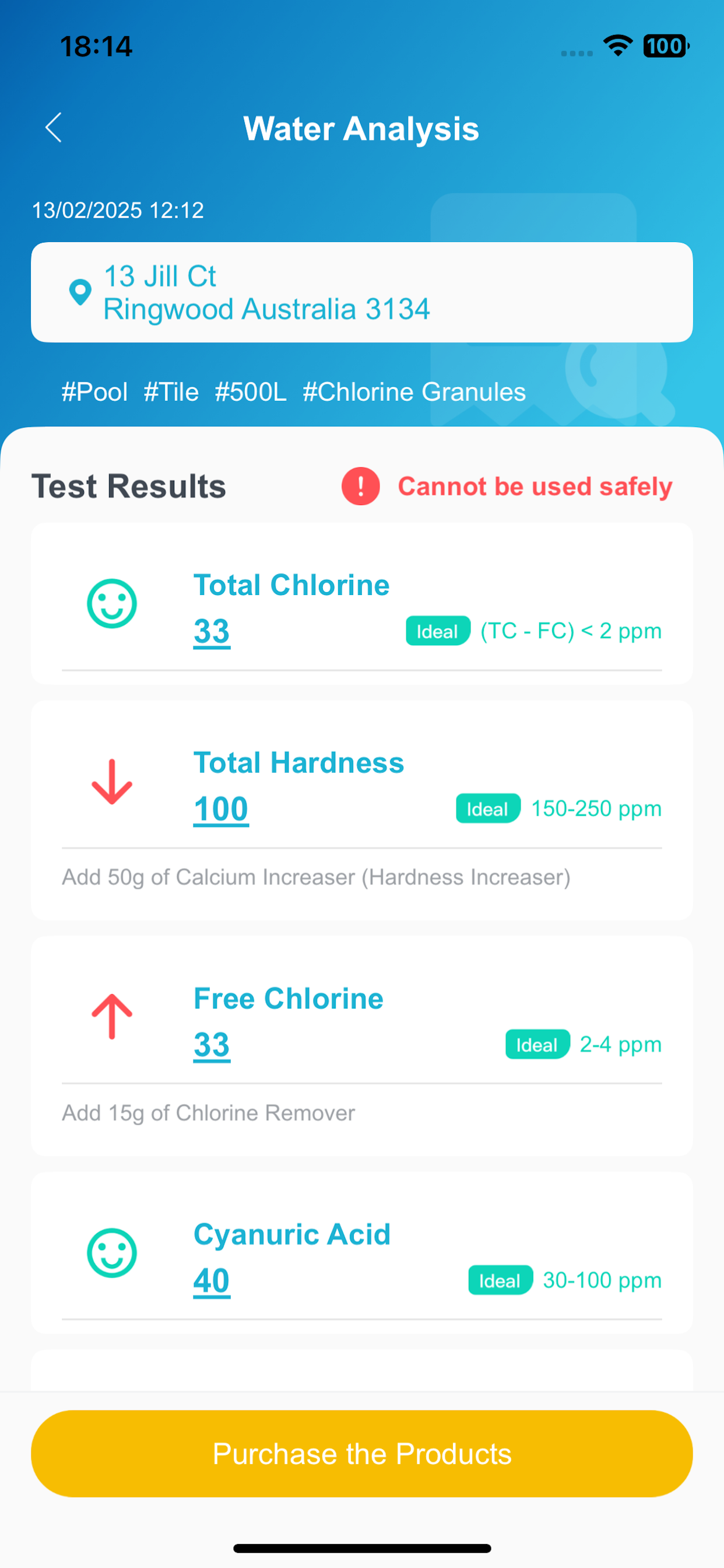
AquaCare turns test values into an easy-to-read water analysis, showing which indicators are ideal, high or low and recommending the treatment your pool needs.
- Understand every reading in plain language
- See safe ranges and problem indicators
- Receive practical chemical dosage suggestions
04
From report to cart
Add the right supplies with one tap.
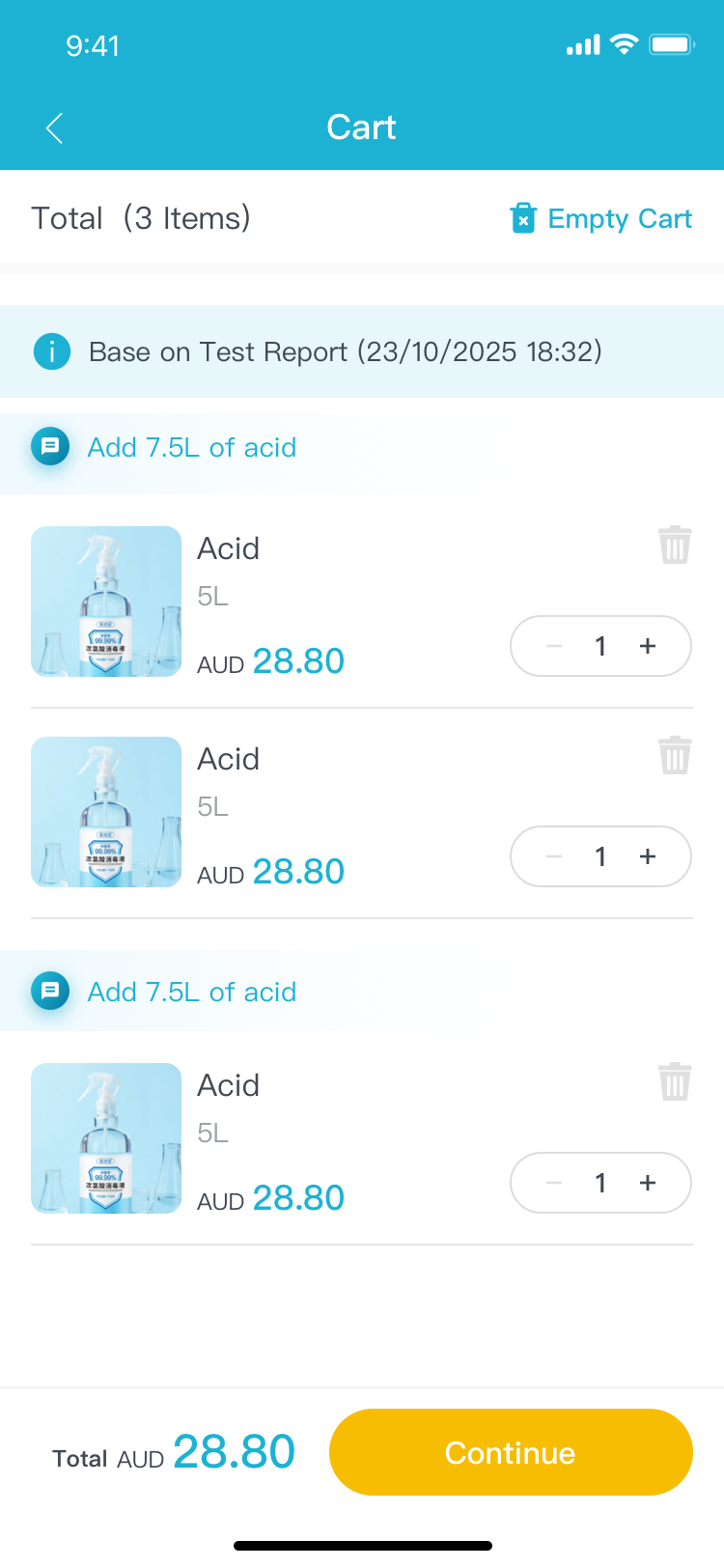
Move directly from your water analysis to the recommended chemicals and consumables. Add what you need to the cart, adjust quantities and continue shopping in the AquaCare store.
- Turn treatment advice into a ready-to-review cart
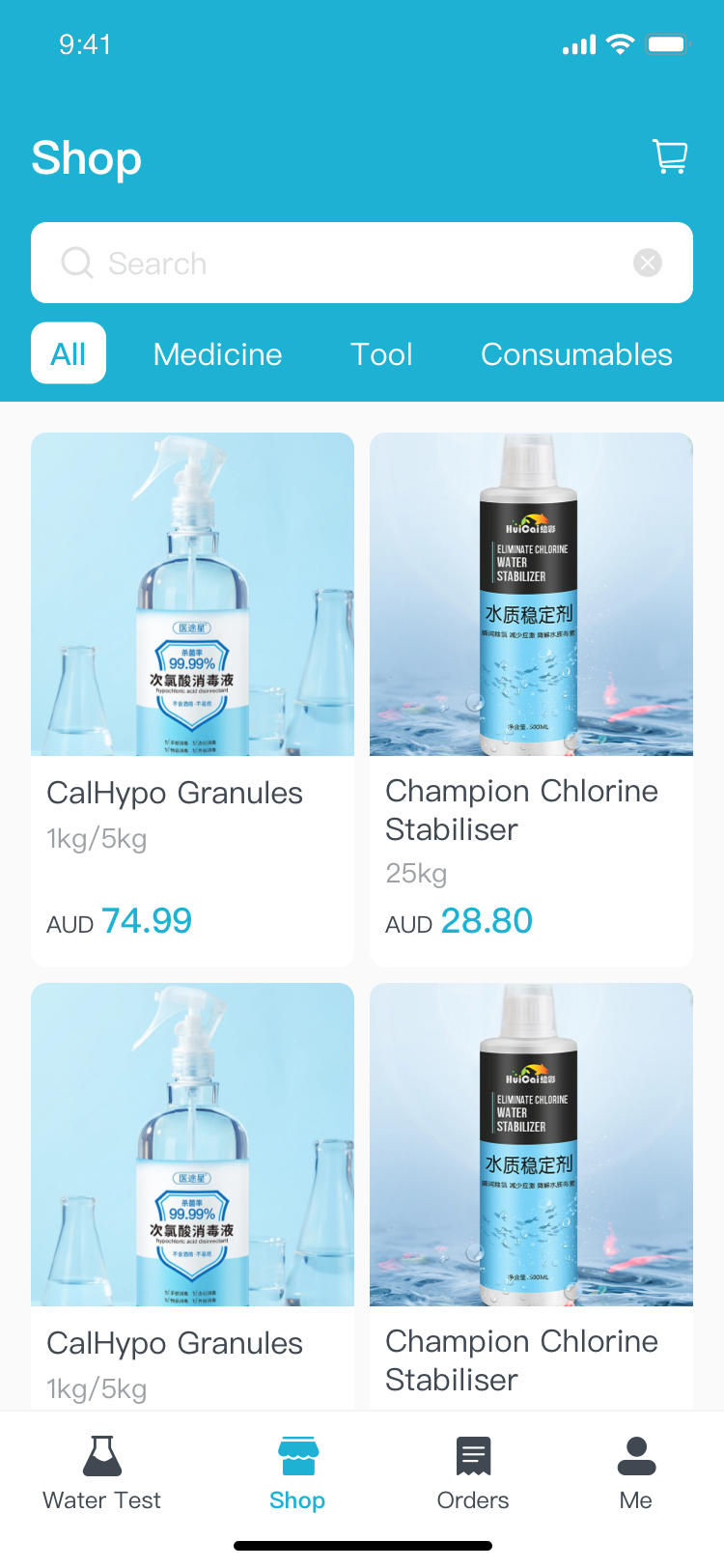
- Shop pool chemicals, tools and consumables
- Keep purchasing connected to your test report